What ONVIF is
ONVIF (Open Network Video Interface Forum) is an industry standard for IP video. A camera that supports it can be found, configured and streamed by an NVR or video software from a different manufacturer. That is how a Dahua NVR can record a Hikvision or Axis camera.
Support is grouped into profiles. The ones you meet most:
| Profile | What it covers |
|---|---|
| S | Basic live video streaming, PTZ control, audio |
| T | Advanced streaming (H.264/H.265), imaging settings, motion and tampering events |
| G | Recording and storage on the device, playback |
| M | Analytics metadata (objects, faces, plates) |
"ONVIF compatible" on a datasheet means little on its own; check which profiles the camera and the NVR both list. Profile S is what nearly every camera supports.
How ONVIF discovery works
The searching tool sends a WS-Discovery Probe as multicast to 239.255.255.250 on UDP port 3702. Every ONVIF device on the same network segment replies with its address and the URL of its ONVIF service, usually http://<camera-ip>/onvif/device_service on port 80 (some brands use another port, such as 8000, 8080 or 2020).
Two consequences matter in practice:
- Multicast normally doesn't cross routers or VLANs, so you only discover cameras on your own segment.
- Discovery only finds cameras with ONVIF switched on.
How to find ONVIF cameras
- From the NVR: most NVRs have Add camera → Search with an ONVIF option. It is the quickest if the NVR is on the camera network.
- ONVIF Device Manager (Windows, free): it lists every ONVIF device that answers discovery, shows live video and lets you check the stream and settings with the camera's ONVIF login.
- Your VMS or recording software: most have an ONVIF scan in the "add device" dialog.
Run these from a PC on the same VLAN as the cameras, and allow the program through Windows Firewall when asked, otherwise the replies are dropped.
Discovery finds nothing: the usual reasons
- ONVIF is turned off. Several brands ship with it disabled; see the next section.
- Different VLAN or subnet. Cameras on the NVR's own PoE ports sit on the NVR's private network, invisible from the office LAN.
- Windows Firewall blocks the incoming replies on a "Public" network profile. Set the network to Private or allow the tool.
- Multicast filtered on the switch or Wi-Fi (IGMP snooping without a querier, client isolation on Wi-Fi). Try from a wired port.
- The camera doesn't support ONVIF at all (some cheap or cloud-only cameras).
How to enable ONVIF on a camera
- Find the camera's IP (see how to find an IP camera's IP address) and open it in a browser.
- Look under Network → Advanced for Integration Protocol, Platform Access or ONVIF. Names differ by brand.
- Enable ONVIF. On many cameras (Hikvision, for example) you also create a separate ONVIF user; the normal admin login is not always accepted over ONVIF.
- Check the camera's clock: ONVIF logins can fail when the camera's time is far off from the NVR or PC. Turn on NTP.
Finding cameras that don't answer ONVIF
Discovery is only one way in. Cameras still reveal themselves by their MAC vendor (Hikvision, Dahua, Axis, Reolink, Uniview…) and their open ports: RTSP 554, Hikvision 8000, Dahua 37777, XMeye 34567. These checks work whether ONVIF is on or off.
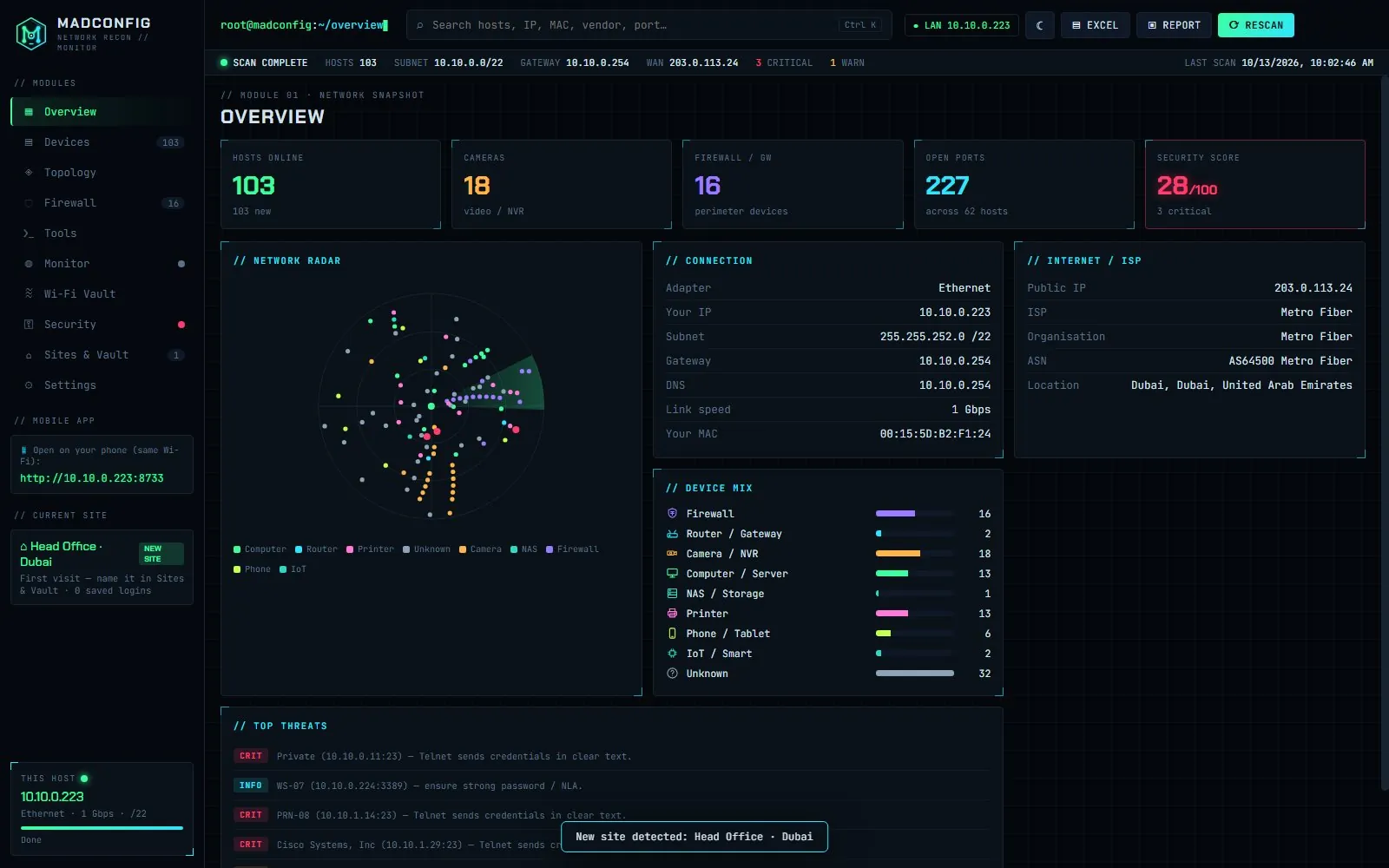
Madconfig does those checks in one scan and puts cameras and recorders in a Camera / NVR group. To be clear: Madconfig does not send ONVIF discovery, so use it to find every camera's IP, then use ONVIF Device Manager to confirm ONVIF on the ones you need.
FAQ
What port does ONVIF use?
Discovery uses UDP 3702 (multicast). Commands then go to the camera's web service, usually port 80 at /onvif/device_service.
Is ONVIF the same as RTSP?
No. RTSP carries the video stream. ONVIF is the control layer: it finds the camera, reads its settings and tells software which RTSP address to use.
Is ONVIF a security risk?
Only like any other login on the camera. Use a strong, separate ONVIF user, keep firmware updated, and never forward camera ports to the internet. Turn ONVIF off if nothing uses it.
How do I check an ONVIF camera is working?
Add it in ONVIF Device Manager and open live video, or test its RTSP stream in VLC; see how to check an IP camera.